
HashUser is the personal area for users of a Voice@work VoIP phone system.
The software brings together several operational features: real-time extension monitoring, call list, forwarding rules, queue management, and video conferences. I wrote it from scratch, reusing a few useful pieces from an older version that had become dated.
The product was localized in Italian, English, and Portuguese.
Dashboard
The dashboard is the initial page of the panel. It shows the user's calls, the real-time state of extensions, and supports click-to-call: clicking a number composes it and starts the call from the user's own extension.
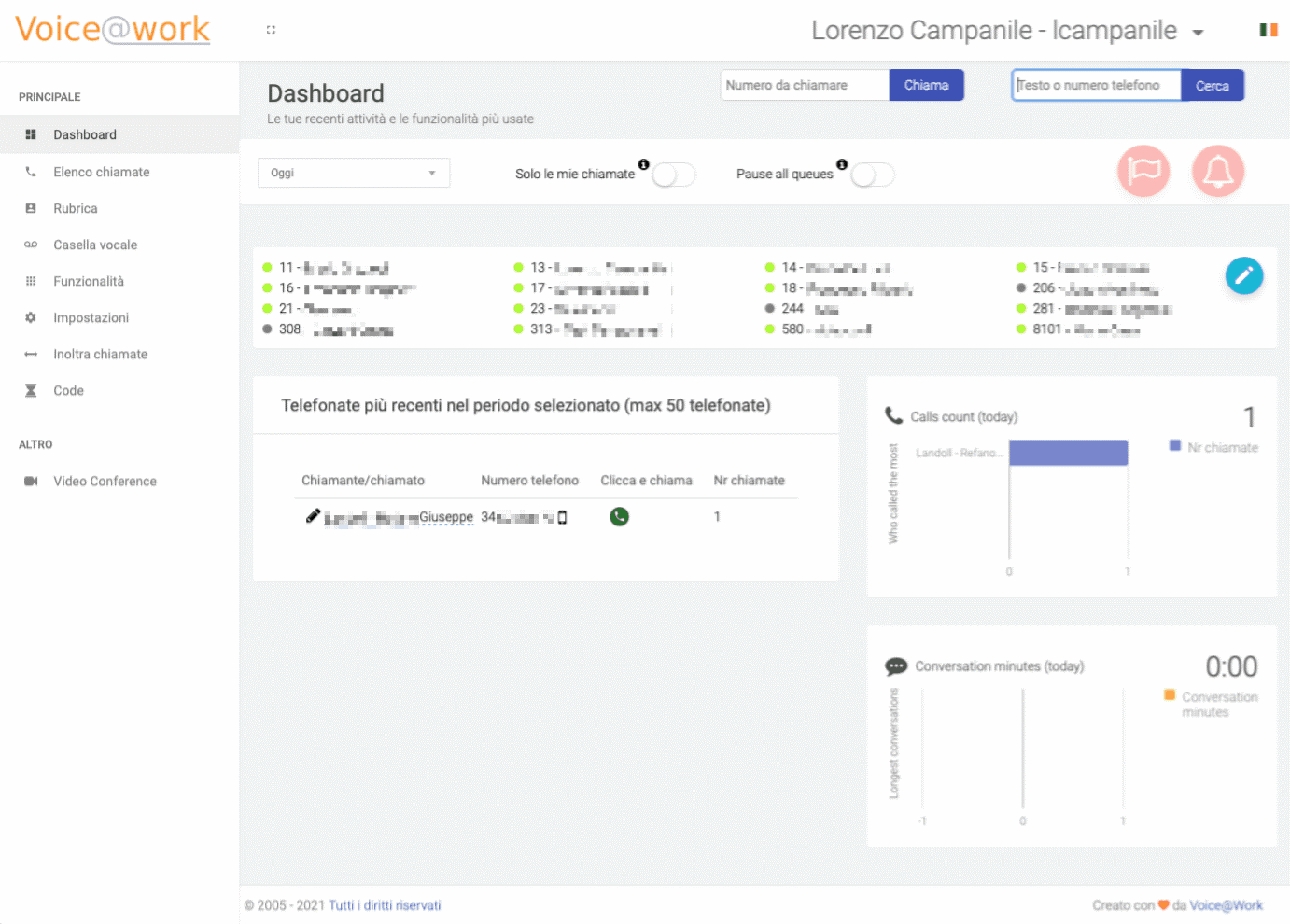
From the top bar, the user can also pause incoming calls, filter other people's calls, open notifications, and check missed calls.
Call list
In this section, users can browse switchboard calls, filtering by direction, call owner, or free text.
On each call it is possible to read or write notes, edit or add the contact, listen to the recording, and delete the recording when needed.
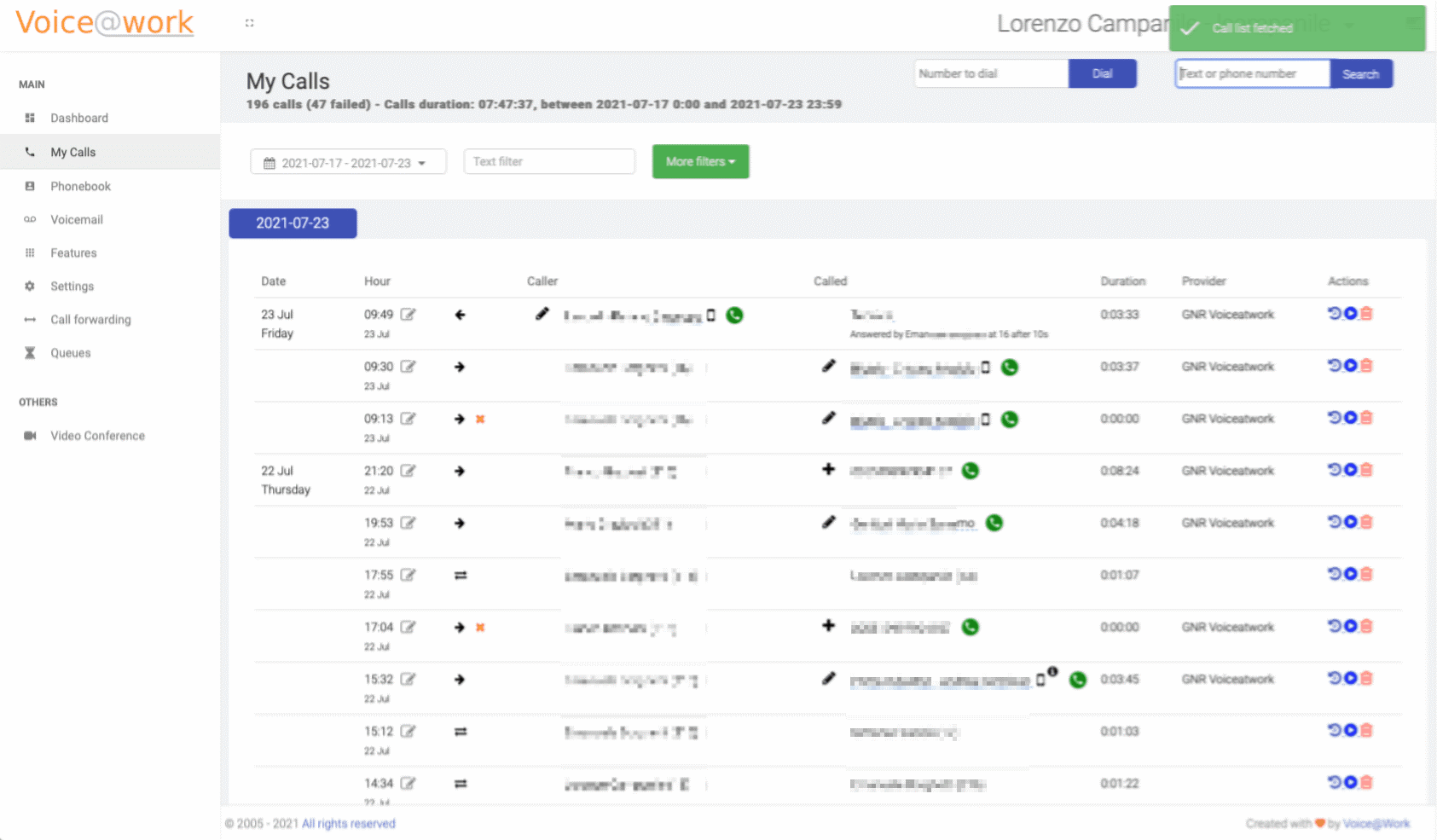
At a glance, users can distinguish mobile and landline numbers, and see which line was used to make or receive the call. Click-to-call is available from here too.
Call forwarding rules
One of the most important features is the ability to compose rules for incoming calls.
Rules can be enabled or disabled with a switch. For example, a user can forward all calls to a mobile phone, forward them to another extension when busy, or send them to a queue when there is no answer.
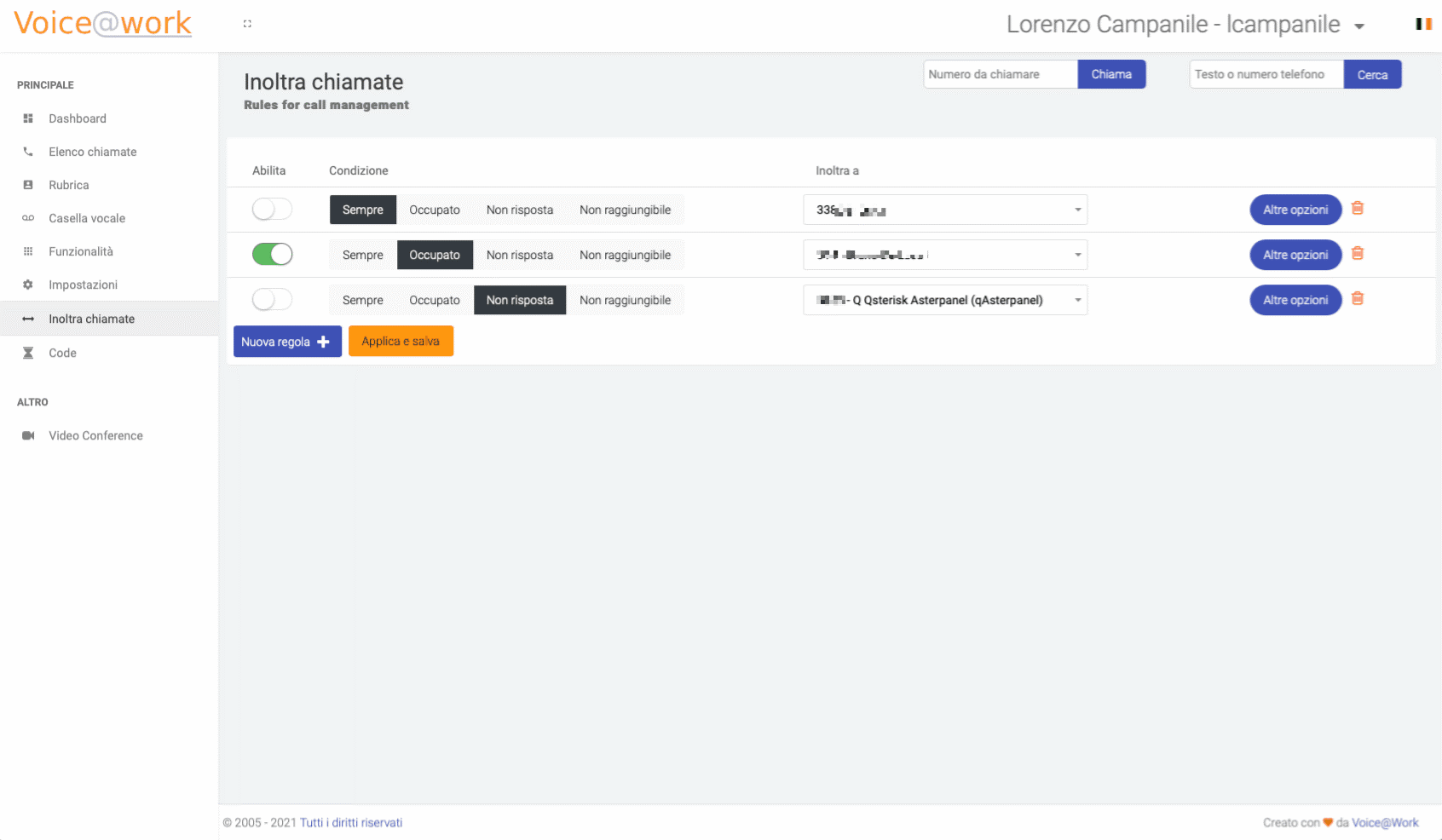
Advanced options allow users to set messages in case of no answer and configure other switchboard-specific parameters.
Queue management
HashUser also lets users manage the call queues they belong to, for example by pausing themselves from all queues or only from selected ones.
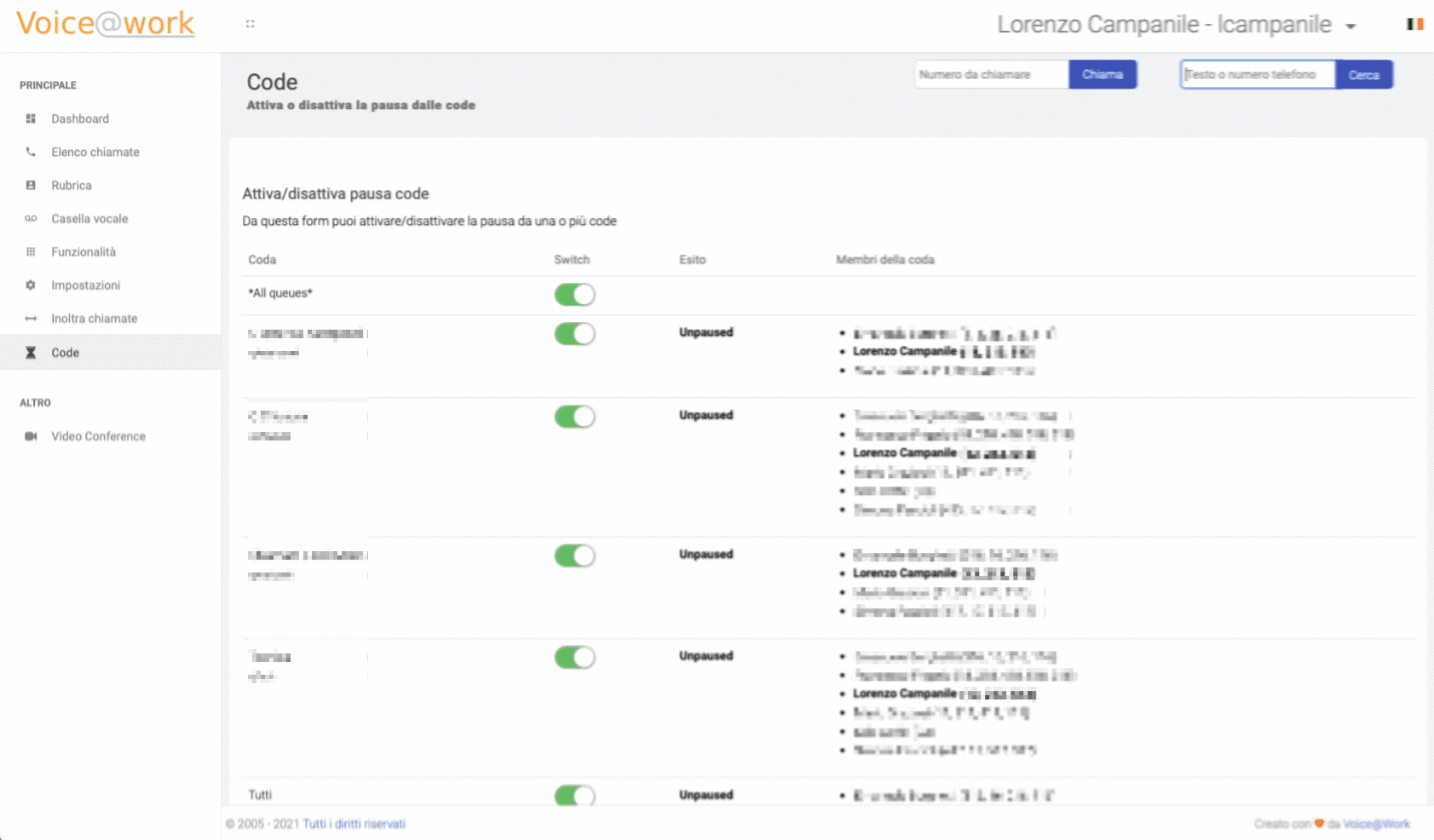
A call queue is essentially a phone waiting room: the caller waits until one of the associated extensions answers, either in parallel or in sequence depending on the configuration.
Video conferences
HashUser also included a section for organizing video conferences. The user could set date, time, and participants, then send an email with the access link.
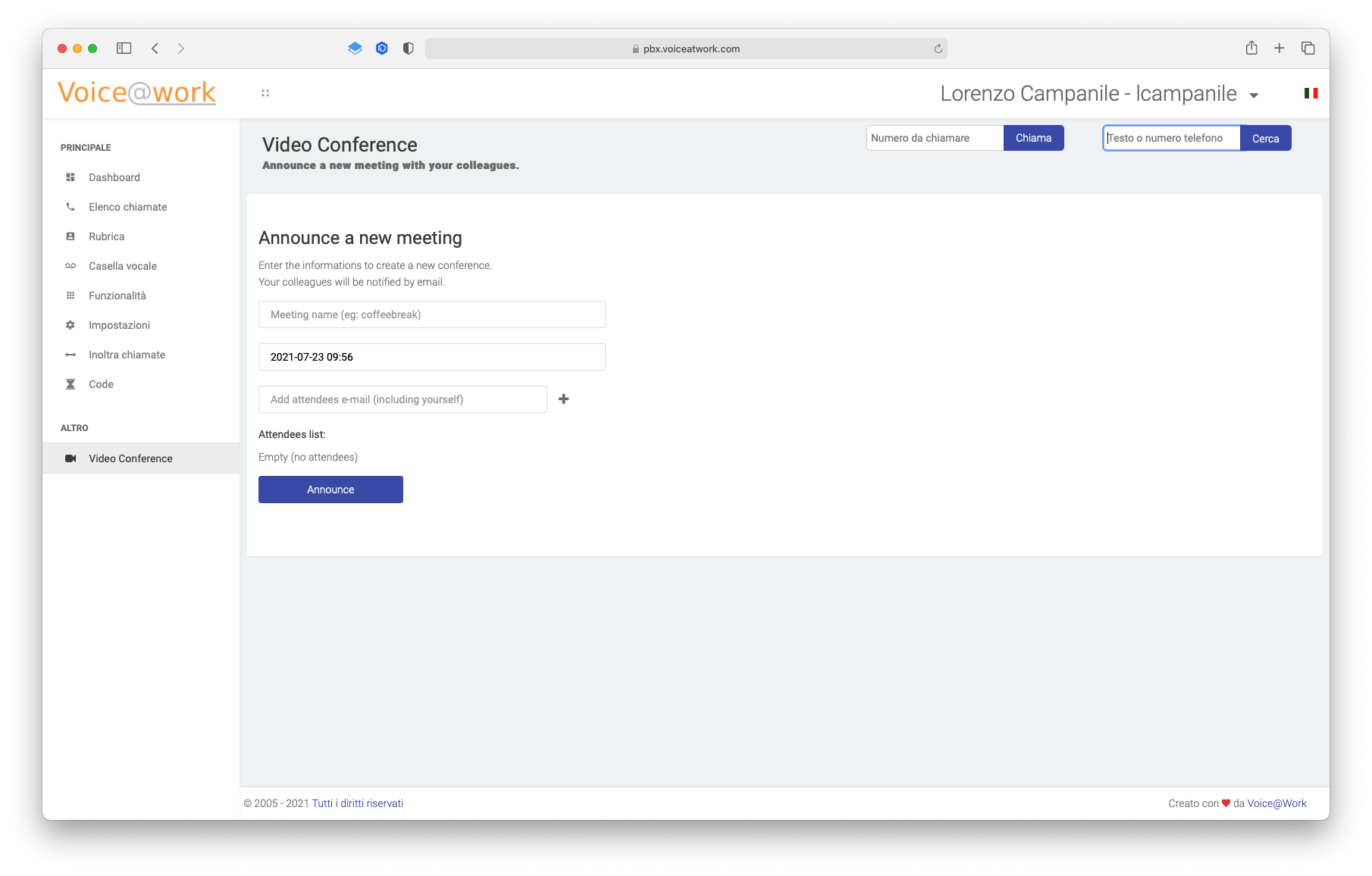
The email also included a calendar appointment compatible with Gmail, Outlook, and the most commonly used calendar systems, using the iCalendar standard.