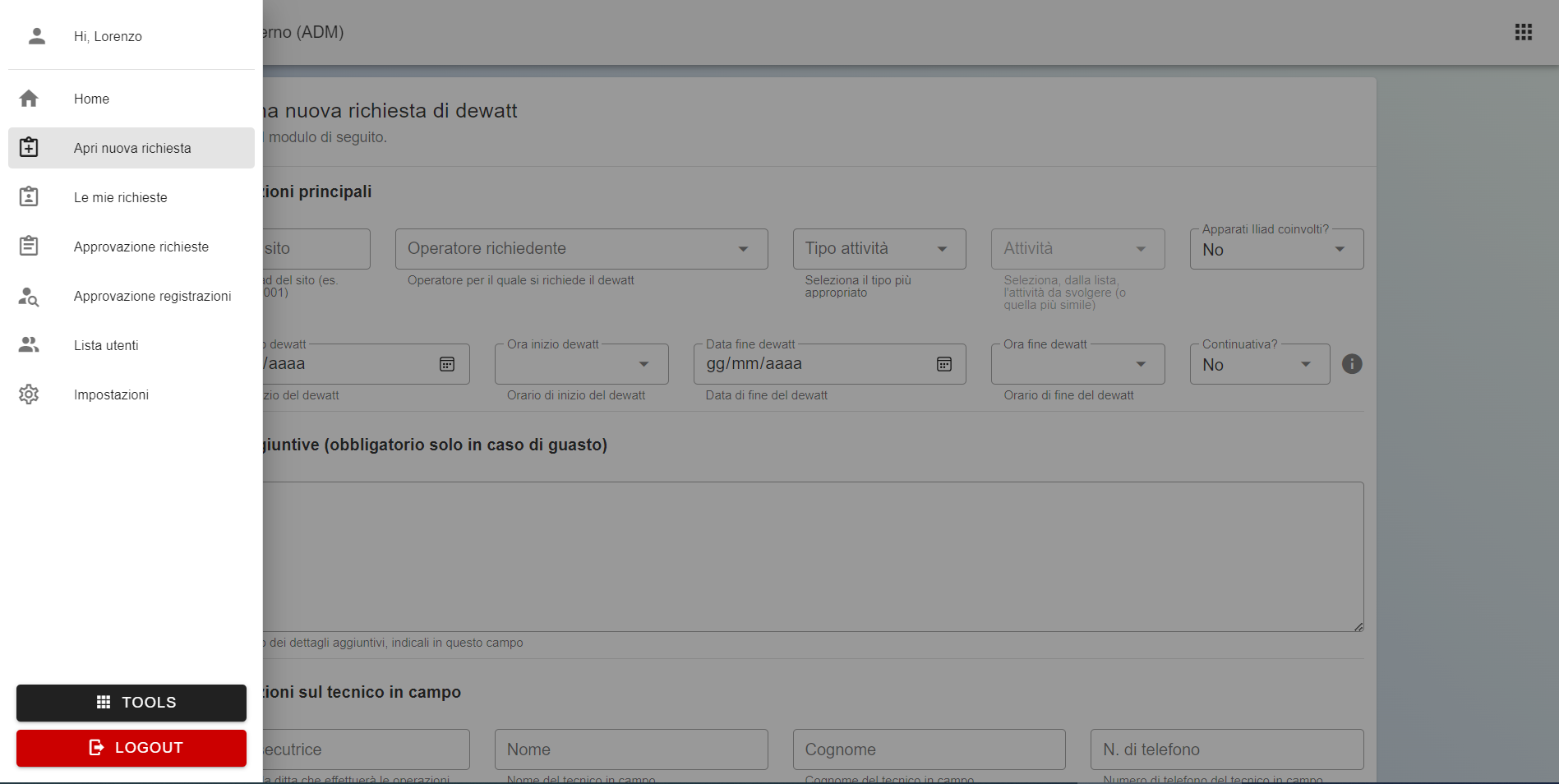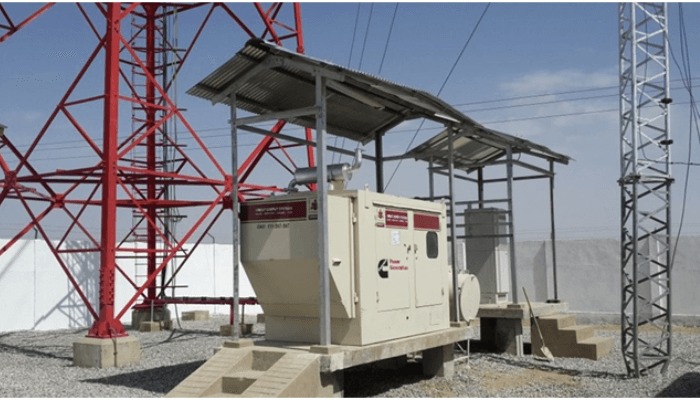
Dewatt is Iliad's software for managing dewatt requests on BTS network sites.
The product has two main surfaces: an external portal, used by different operators to open requests and monitor their status, and an internal portal, used for management and approval. I worked on the development of the product and its later maintenance and evolution.
Opening requests
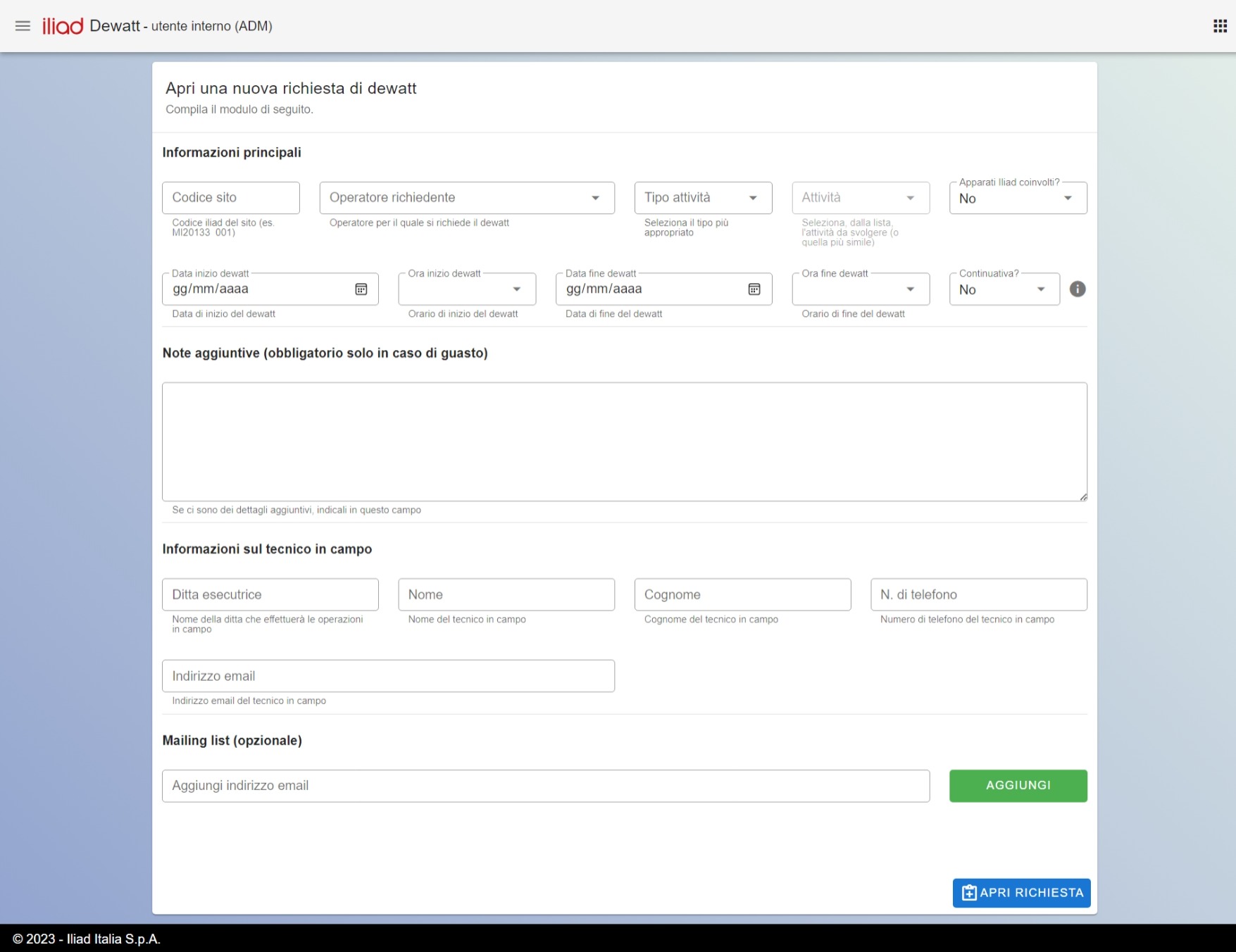
Through a dedicated page, the user can fill in the form to open a new dewatt request.
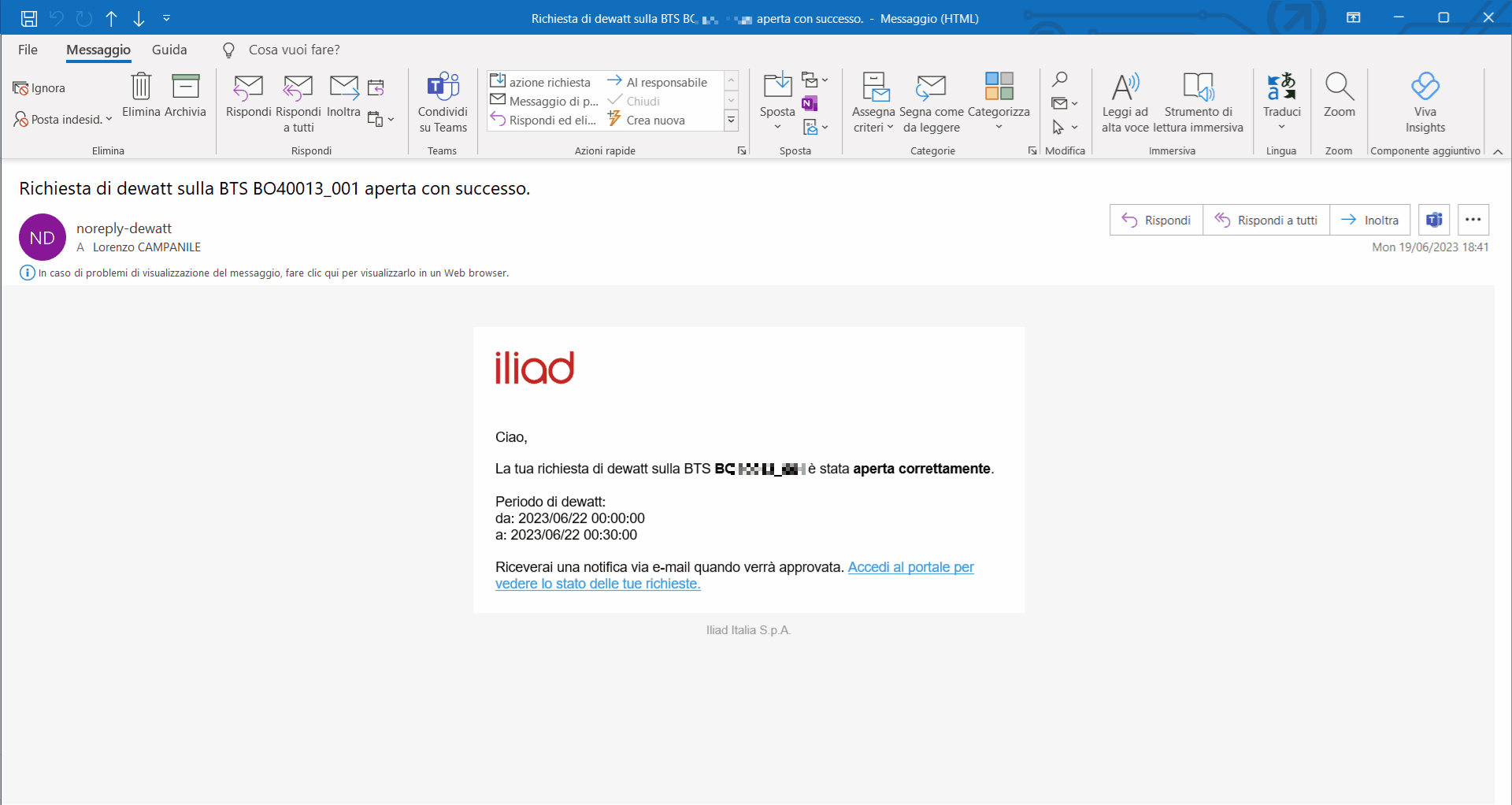
Several checks run when the request is opened, such as detecting conflicts with requests that are already in progress. After submitting the form, the user is informed of the outcome and, if the request is accepted, receives a summary email.
Depending on the request parameters, the system can approve it automatically or send it to manual review. In case of manual review, the people responsible for the check are also notified by email.
Approving requests
Each user with an approver role can check requests for their own area of responsibility. The main information is shown in a table, making the list quick to read even when there are many requests.
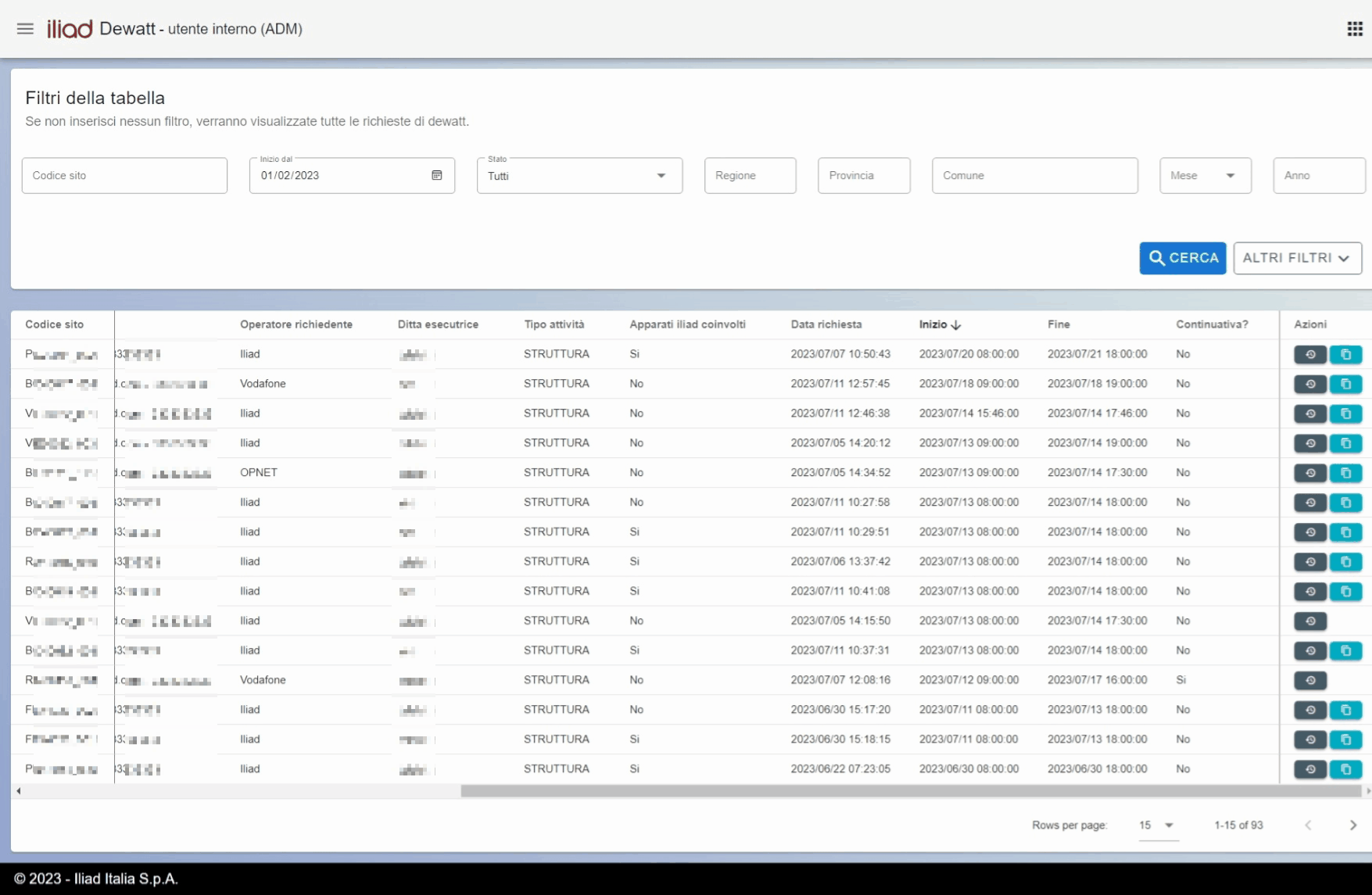
For each request it is possible to approve, reject, or leave a note. Another available action is marking a request as duplicated, useful when the same request is opened more than once by mistake.
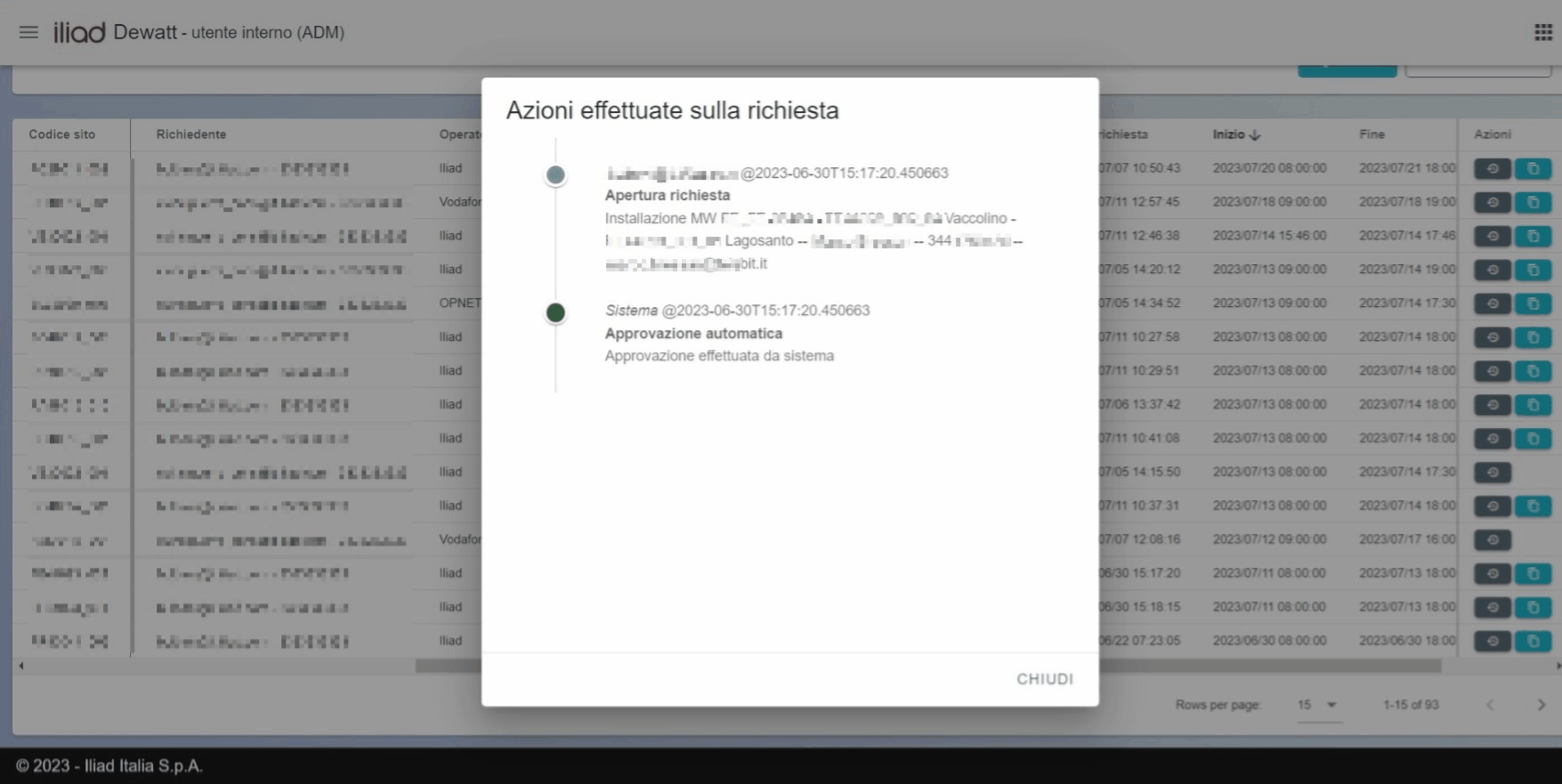
To keep the situation clear, each request stores the history of actions performed and any notes that were added.
Other features
The portal also lets internal users approve people trying to register and manage users who already exist.
For each BTS, it is also possible to set freeze periods: time windows in which dewatt requests are rejected automatically. The system also includes a panel for general service settings.