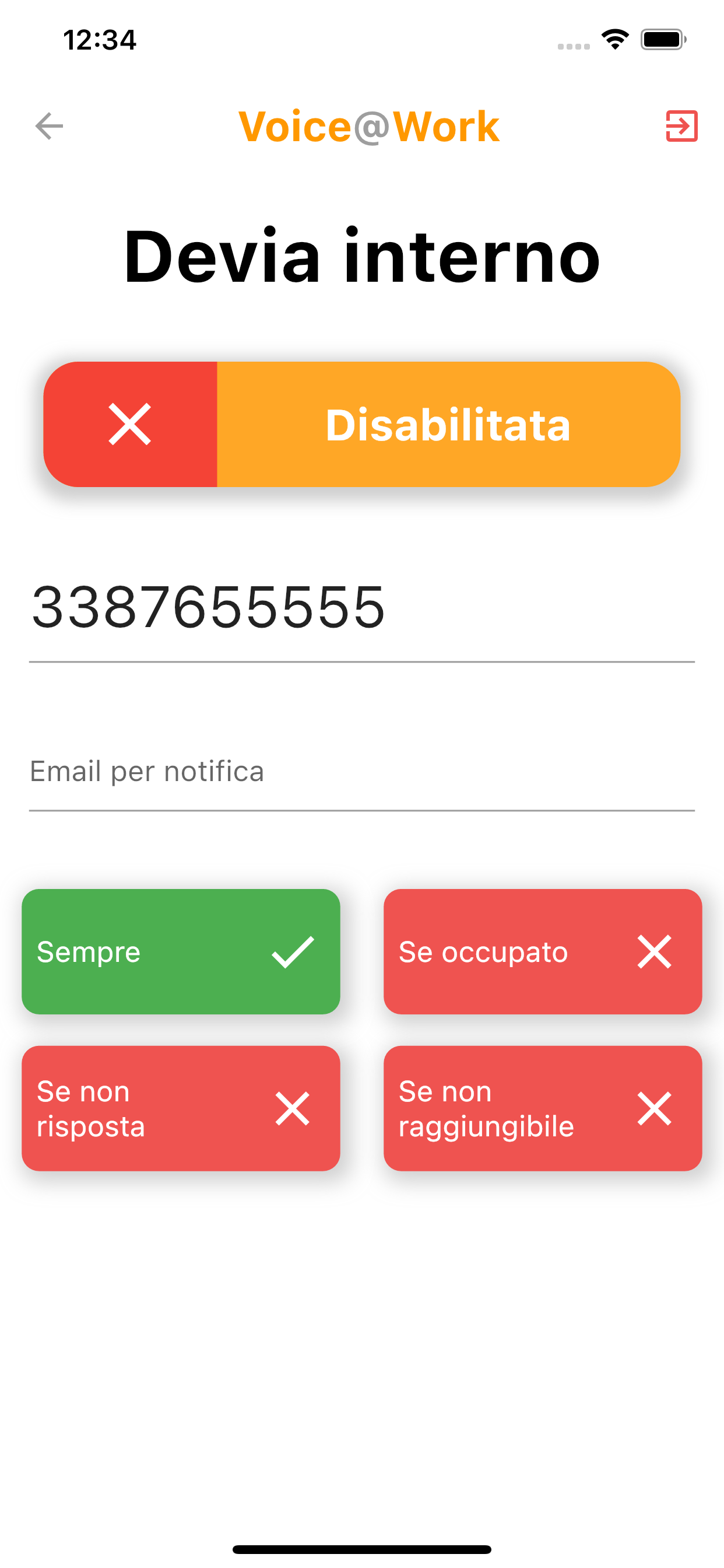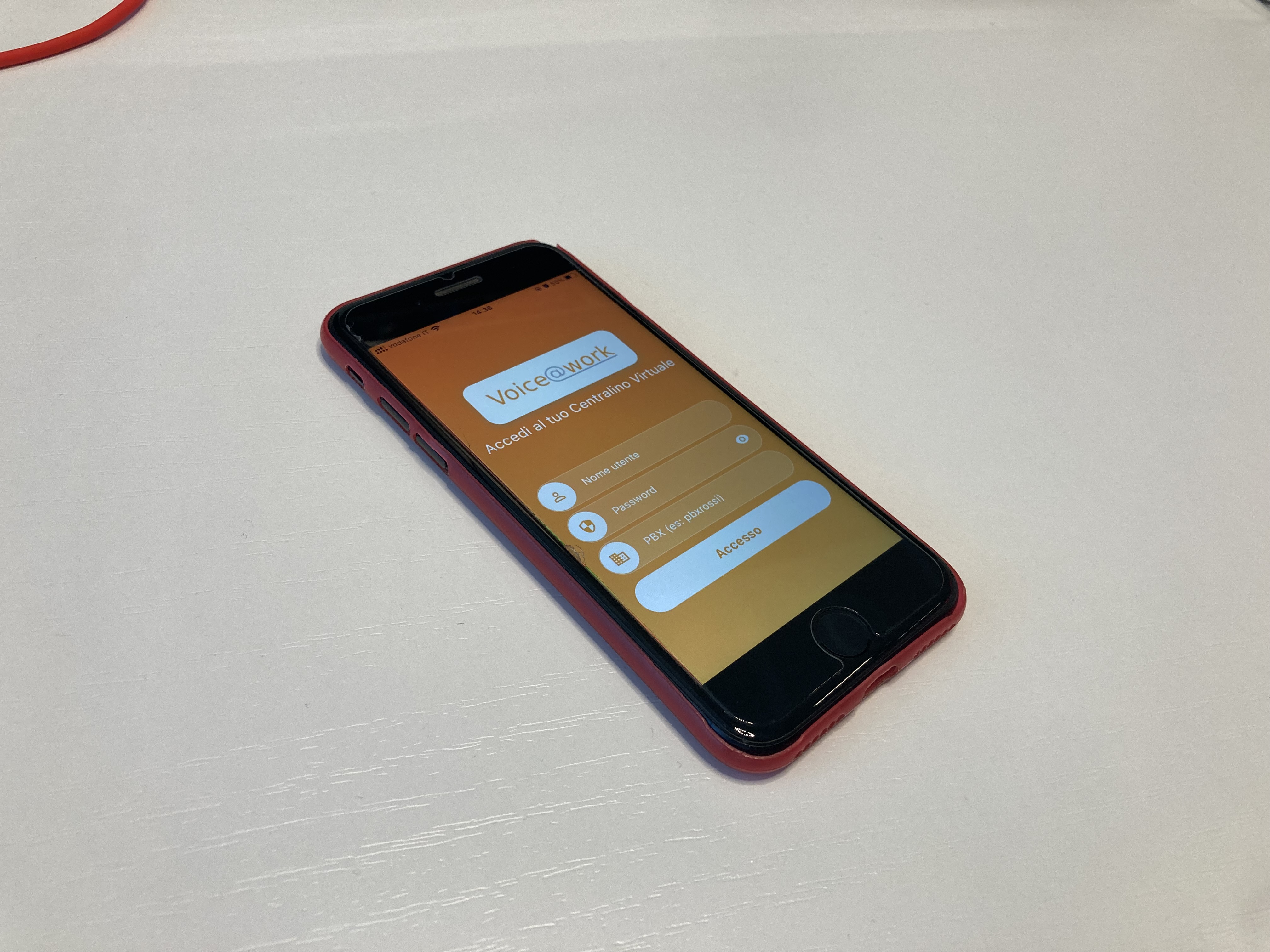
The Voice@work app gives smartphone access to selected features of a virtual switchboard.
The goal was to bring the most useful out-of-office operations to iPhone and Android, such as checking calls or changing forwarding rules. I built the app from scratch and also implemented dedicated REST APIs on the main system.
Login and menu
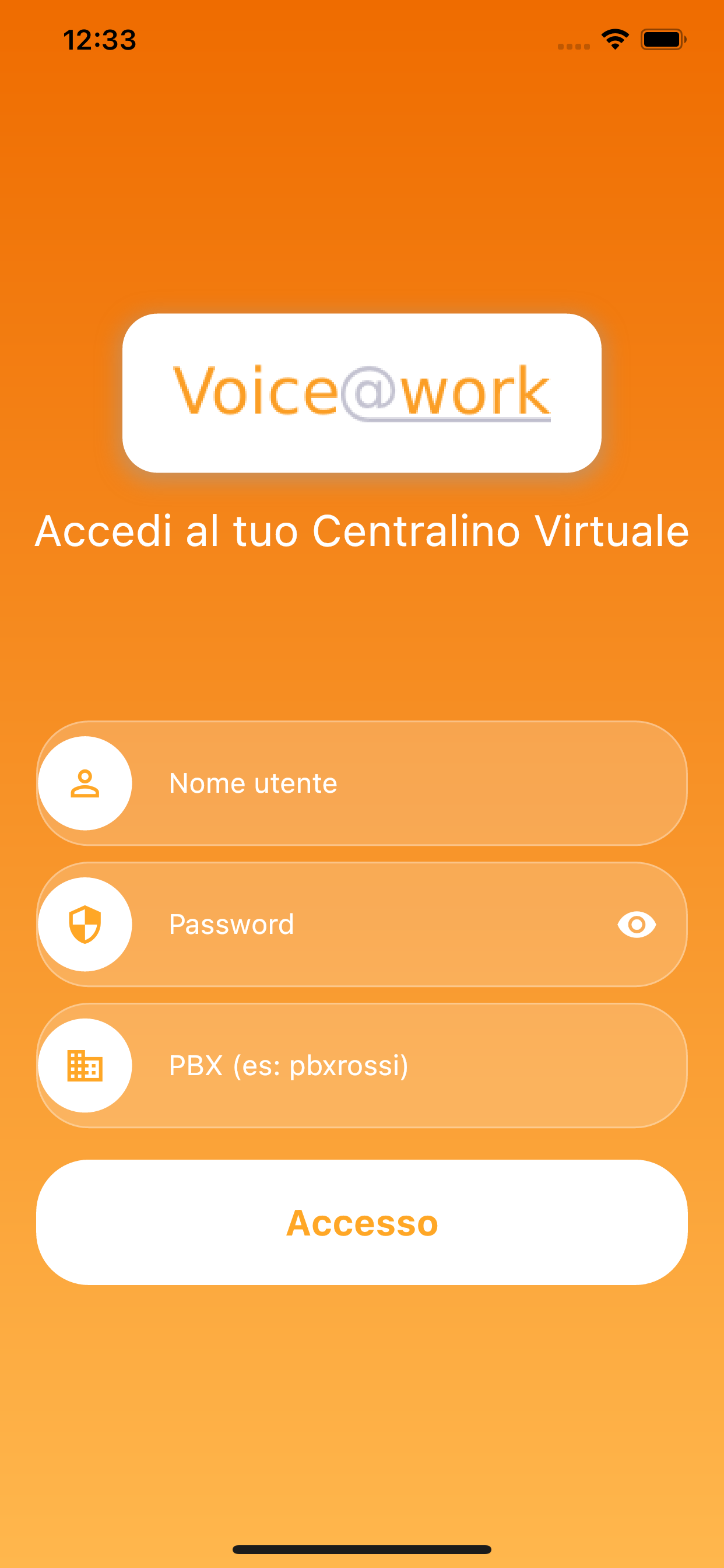
To use the app, the user needs a Voice@work switchboard and must log in with their credentials.
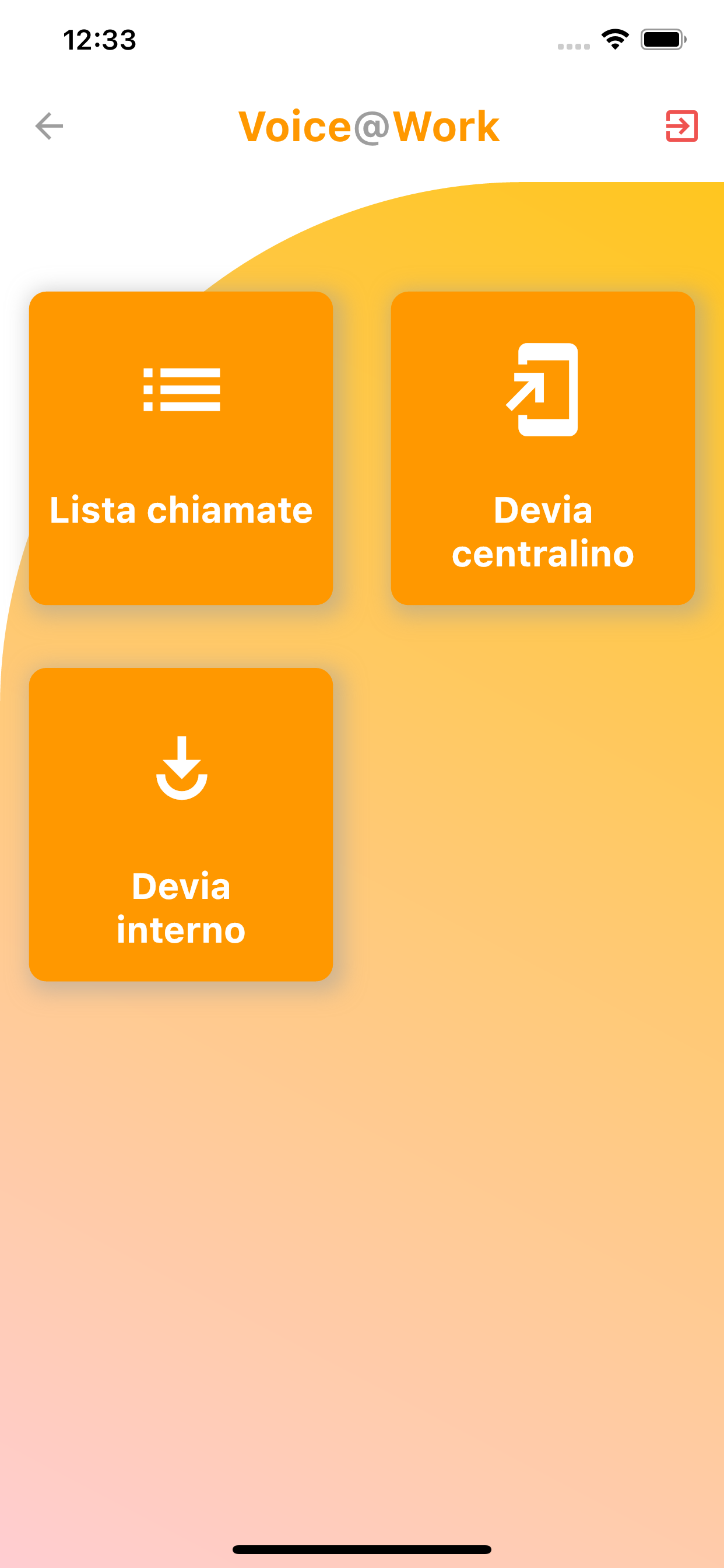
After logging in, the user lands on the main page with the list of available features.
Each section is designed to be simple on the move, adapt to different screen sizes, and remain lightweight even on older devices.
Call list
The first section is the list of personal calls.
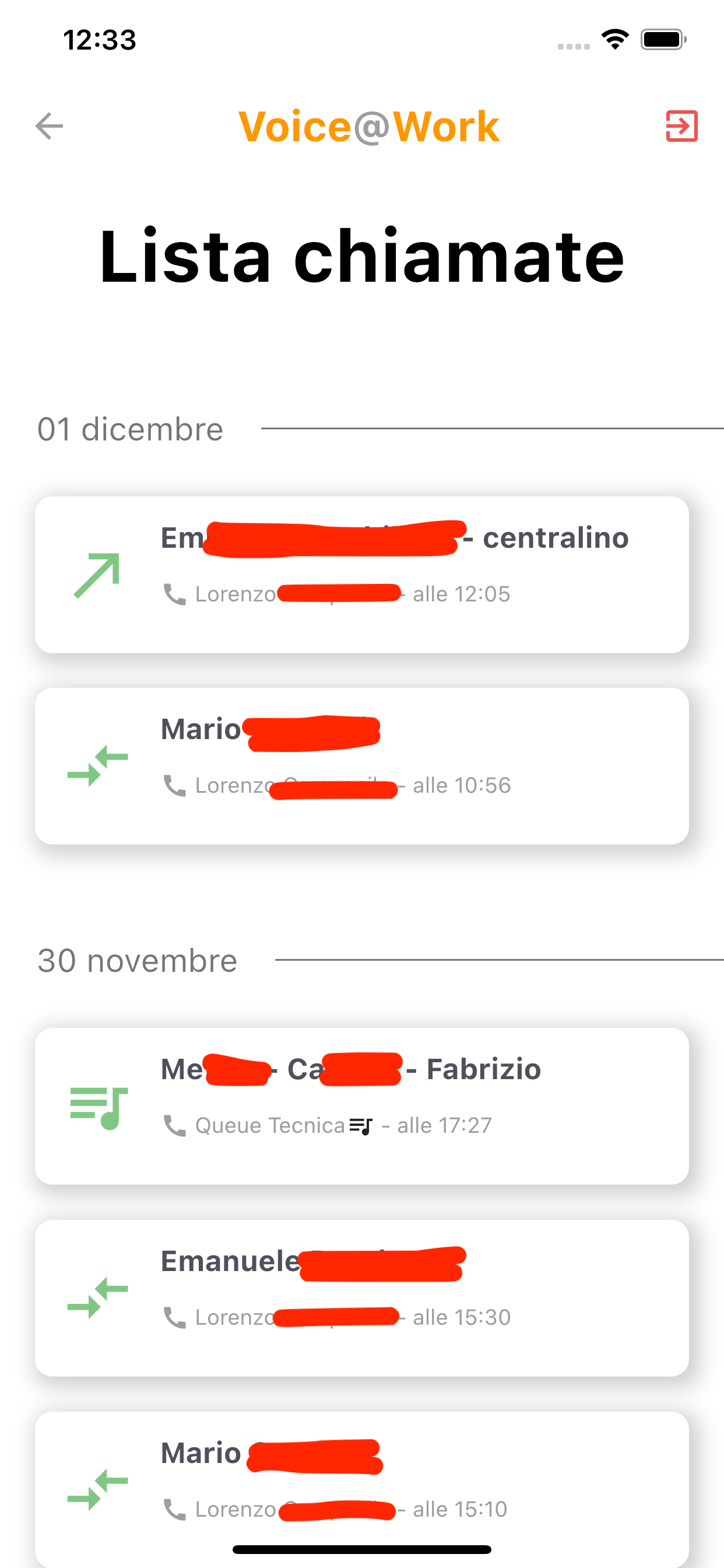
At a glance, the screen shows the contact, basic information, call direction, any forwarding, and whether the call came from a queue.
Call forwarding
The app offers a quick way to forward personal calls based on different conditions. By entering an email address, the user can also receive a call notification with any voicemail message attached.
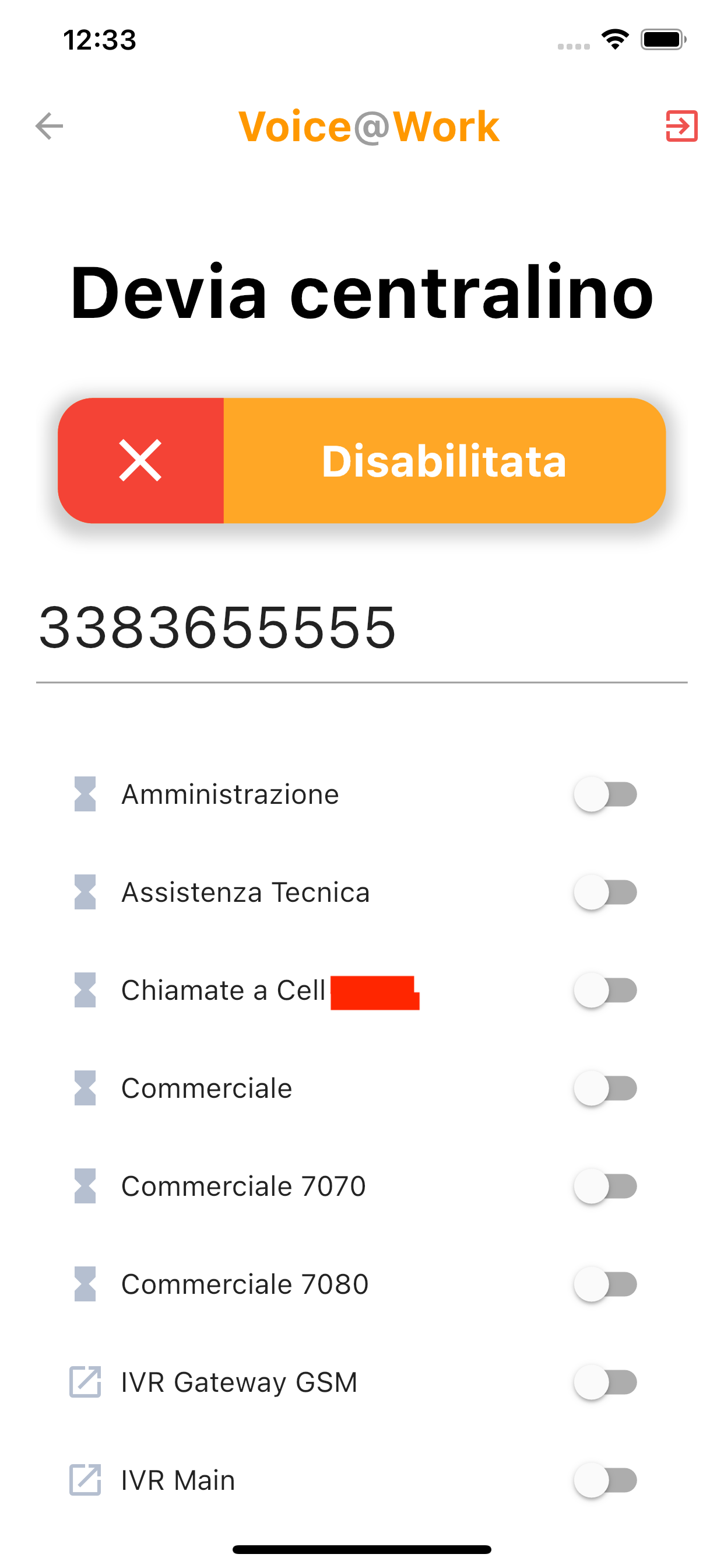
It is also possible to enable global forwarding for all calls to the switchboard, not only those directed to the user's own extension. In this case, the user selects the queues or IVRs where forwarding should apply.